
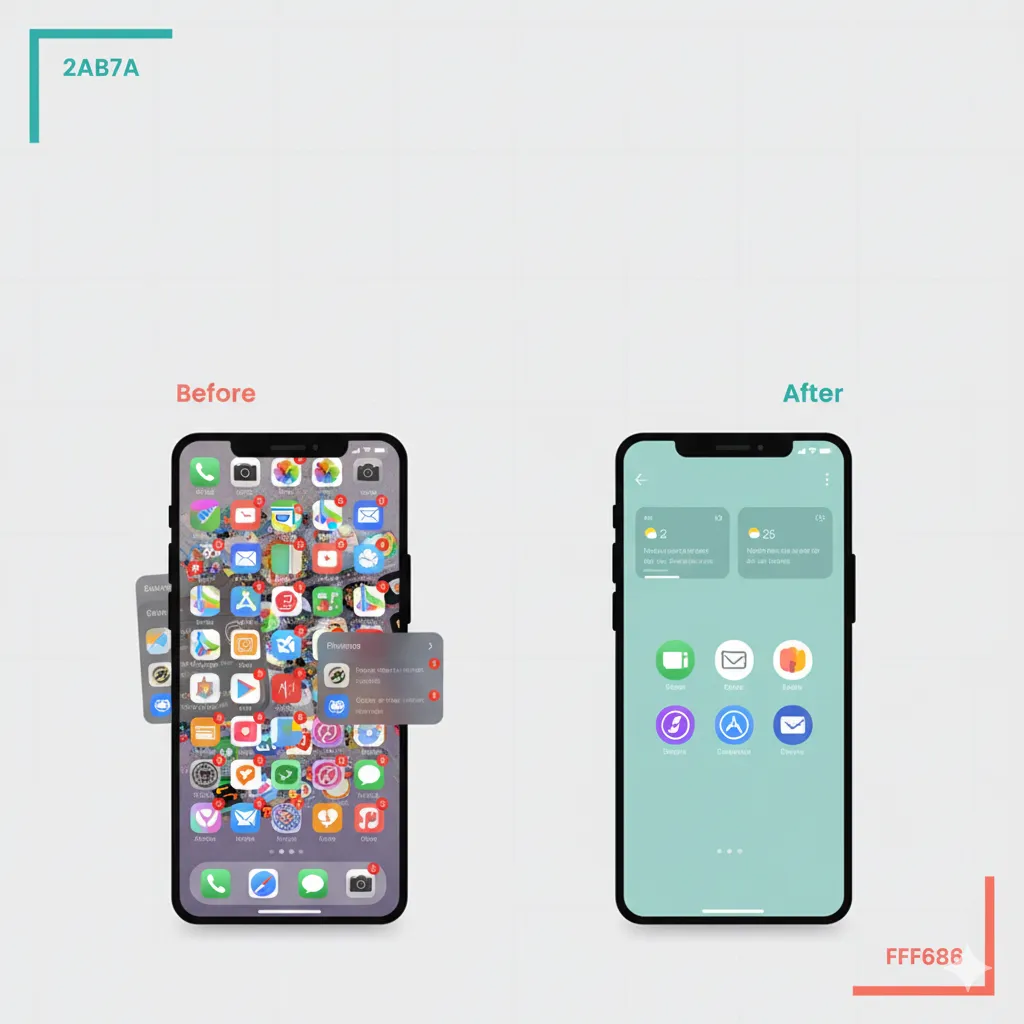
Why “Digital Minimalism 2.0” (and not a purge)
Classic digital detoxes fail because they’re all pain, no plan. You delete everything, then reinstall it all next week. Digital Minimalism 2.0 is different: it’s about friction design—shaping your phone so it defaults to focus and calm.
The 30-minute routine (set a timer)
0–5 min: Snapshot + intention
Take a quick screenshot of your home screens (for reference), then write one line: “My phone helps me do X, Y, Z—not distract me.” Intention cuts indecision later.
5–12 min: Home-screen diet (Rule of 6)
Keep six apps max on page one—Phone, Messages/WhatsApp, Calendar, Notes, Maps, Camera. Everything else moves. Why six? It removes hunting, shortens choice, and curbs “oh while I’m here…” doom loops.
Page two: utilities you use weekly (Banking, Ride, Photos, Food).
Page three: rare admin (Gov ID, Airline, Authenticator).
Everything else: a folder named Library (alphabetical). You haven’t deleted; you’ve de-tempted.
12–18 min: Notification audit (people & payments only)
Open Settings → Notifications. Turn off badges and banners for every app that isn’t a person, a payment, or a genuine urgent alert (e.g., ride arrived). Social apps? Silence; enable mentions only if needed. News? Off—pull when you want it; don’t let it push.
18–23 min: Search-first navigation
Remove the dock clutter. Train yourself to pull down and type the app name. Two letters beats four swipes. Search raises intentionality and kills idle tapping.
23–26 min: Night grayscale + focus modes
Schedule grayscale from 9 PM to 6 AM. Colors drive novelty seeking; grayscale breaks the loop. Add a Focus called Deep Work: only calls from favorites, no social, no mail.
26–30 min: Widget wisdom + weekly reset
Add two widgets: Calendar (day view) and Tasks (today only). No realtime markets/news widgets—use our Markets Today post when you want the pulse → /blog/markets-today.
Set a Sunday 5-minute reset reminder: clean screenshots/WhatsApps, archive photos, uninstall one unused app.
Advanced: Friction shaping for problem apps
- Social: log out after use; keep accounts in a password manager.
- Mail: turn off push; check twice daily using the Inbox Triage prompt → /blog/ai-prompts-save-an-hour.
- Video: uninstall; use mobile browser (worse UX = less binging).
Tiny habits to lock it in
- Keep the phone outside the bedroom; buy a ₹500 alarm clock.
- Pair unlocks with intention: say out loud what you’re opening and why.
- Celebrate the streak, not the purge: “7 days without badges.”
FAQs
Q: Won’t I miss something important?
If it’s from a person or money, it stays on. Everything else you’ll pull on your terms.
Q: What about work apps?
Put them on a separate focus with work hours; outside that, silence.
Q: Is grayscale too extreme?
Most people adapt in two nights. You can always add a 2-tap exception.
Wrap-up
Digital Minimalism 2.0 is not about austerity—it’s about agency. In 30 minutes, you turned your phone from a slot machine into a tool belt. Keep the Sunday reset, and your attention will thank you.